
A training course website should help someone decide whether a course suits them before they book or enquire. For an Irish training provider, the content needs to explain who can attend, what the course covers and how the sessions work. Prepare that information alongside dates and venues so visitors can choose the right course without piecing details together from several pages.
Identify who each course is designed for and what previous knowledge, if any, the learner needs. A beginner choosing a practical workshop has different questions from an employer arranging training for a team. Give each audience a clearly labelled route from the main course menu.
Use course names that describe the subject and level. Where age ranges or entry requirements apply, state them beside the course introduction. Make the distinction between an introductory workshop and more advanced training clear before a visitor reaches the booking stage.
Describe the main topics and activities in language a prospective learner can understand. Explain whether the course includes demonstrations, practical work or group discussion. Useful detail lets someone judge the content without needing to understand your internal course codes.
State the duration and how the sessions are delivered. For a course running over several evenings, show the full attendance commitment. Identify any assessment or certificate accurately where one applies, and have the provider approve the wording before publication. Avoid suggesting an accreditation that the course does not carry.
Keep the general course explanation available even as scheduled sessions change. Give each advertised session its own date, start and finish times, and venue details. Link those sessions from the overview so the visitor can move from understanding the course to choosing when to attend.
If you run workshops across several counties, organise the listings by course type and location. Use consistent names on the course page and booking listing. Make it clear when there are no dates currently available and provide a suitable enquiry route for future sessions.
Explain what is included and what the participant needs to bring. Depending on the course, that may include equipment, materials or lunch. Include the venue address and relevant arrival instructions, and give people a contact route for questions about attending.
Show the advertised fee clearly and explain any options that change it. Keep essential information on the page where the decision is made, even if you also provide a downloadable syllabus. A visitor should be able to understand the course and its practical requirements on a phone.
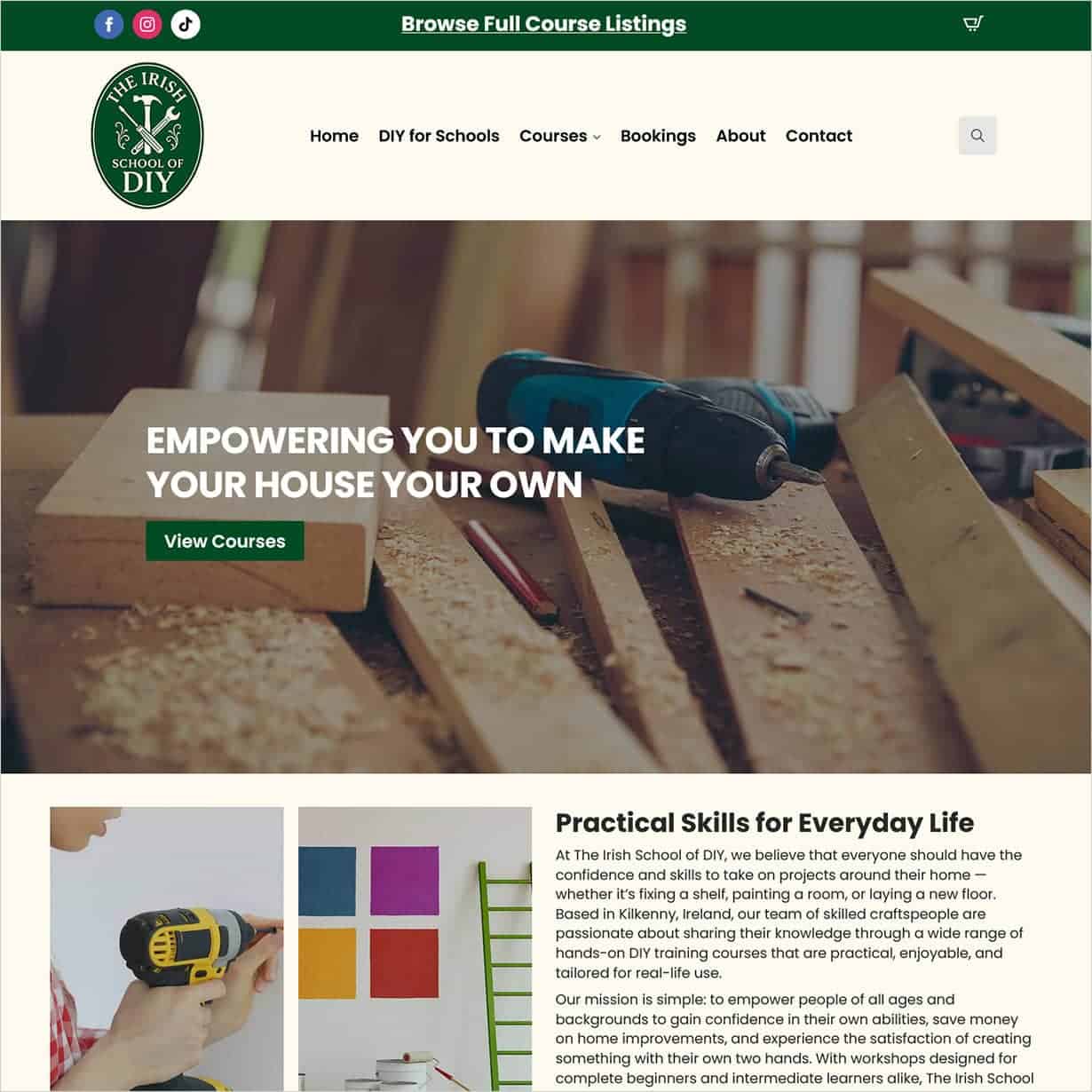
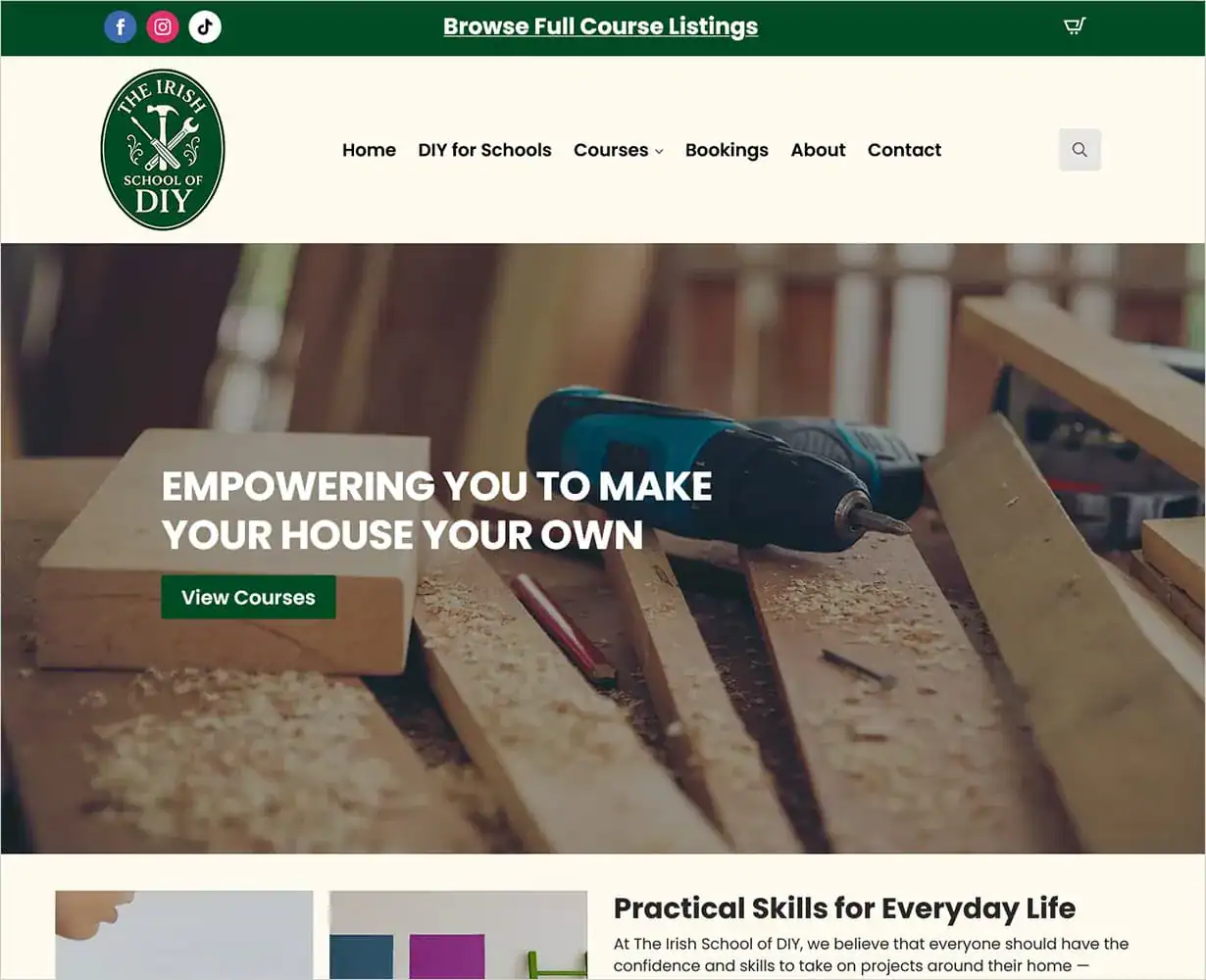
The Irish School of DIY has its office in Kiltown, Castlecomer, Co. Kilkenny. We built its website, which presents practical courses for different audiences, including adult beginners and schools. Its course navigation gives visitors separate routes to explore the relevant training.
The Beginner DIY Course page explains the intended audience, topics and course format, with a link to the course schedule and a downloadable overview. The booking area groups listings by course category and provides location filters, helping visitors narrow the scheduled options.
School workshops use a different route. The DIY for Schools page explains that these sessions are arranged directly to suit the school’s requirements rather than booked online. For another training provider, this illustrates a useful planning decision: give scheduled public courses and tailored group sessions the appropriate next step. The course information should explain what someone is choosing before asking them to act.
Explore the Beginner DIY Course page and DIY for Schools information.
Use a booking link where a customer can select a scheduled place. If the course requires a discussion about group size or location, label the action as an enquiry. Explain what happens after someone submits the form so they know whether they have requested information or confirmed a booking.
Give the booking system and website the same course names and session details. Where payment happens on another platform, check that the destination is clear and that the selected course remains identifiable. Confirm the scope of booking and payment features when planning the build.
Label a syllabus or course overview so people know which course it covers before opening it. Check that the file agrees with the webpage about the content and attendance requirements. Assign someone to replace both versions when the programme changes.
Keep the key details readable on the website itself. A PDF can provide additional depth, while the page should still answer the questions someone needs resolved before booking or making contact.
On a phone, follow the route from the course menu to a course overview and its scheduled dates or enquiry form. Check that venue details, prices and buttons remain readable. Before launch, agree an authorised test of the booking confirmation or enquiry notification with the provider.
Assign responsibility for updating course details and removing expired booking options. Review the overview when the syllabus changes, and check links to external booking services. A clear handover should identify who approves the information and who makes each update.
If you are planning a training website, explore our WordPress website design service or contact Istech about your course range.